Cut a clip down to the part you need
Reframe a clip to 9:16, 1:1, or 16:9
Save the sound from any video as MP3 or WAV
Clear hiss, hum, and room noise
Switch between video, audio, and GIF formats
Make a file smaller and keep it sharp
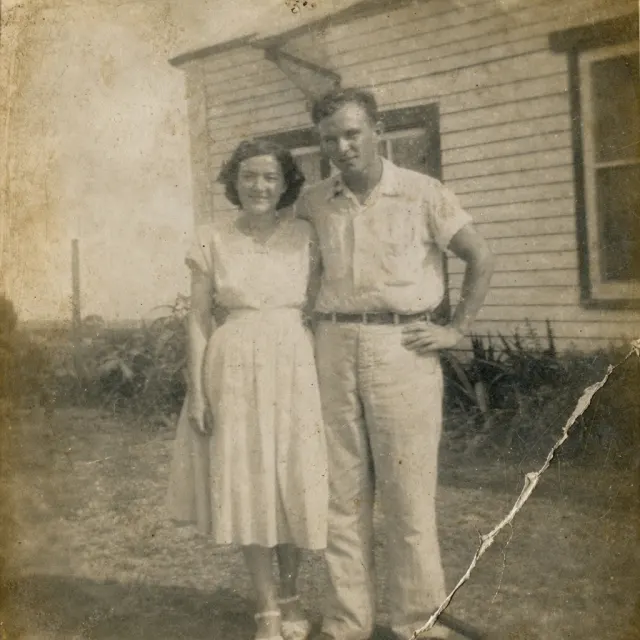
Fix skin, old photos, and documents
Turn speech into an editable timed transcript
Review captions and export subtitles or a captioned video
Separate spoken words from background sound
Cut out a subject to a transparent PNG
Enlarge a still image by two or four times
Review word-aligned filler cuts before exporting
Find and review up to five transcript-based highlights
Translate subtitle text while keeping its timing
Turn a script into spoken narration
Split music into six downloadable stems
Describe a sound and generate a short audio clip
Replace a masked area with a described fill
Generate new scenery beyond the edges of a photo
Keep the subject and generate a new background
Place a product photo in a described scene
Describe a new lighting treatment for a photo
Restyle a photo using a reference image
Generate two thumbnail concepts with an optional title
Turn a still into four seconds of silent video
Generate a four-second transition between two images
Enlarge a short video with AI detail recovery
Reduce noise in a short video with Nyx
Interpolate a short video to 30 or 60 frames per second
Review a translation and replace speech with one narrator
Align a face video to an uploaded audio track
Join clips in the order you choose
Cut at exact times and download a ZIP
Remove the soundtrack from a video
Turn a clip clockwise or counterclockwise
Mirror a clip horizontally or vertically
Change playback speed while preserving pitch
Keep the part of a recording you need
Set loudness and download its measurements
Fade the beginning and end of a clip
Choose a range, size, and frame rate for a GIF
Save one video frame as an image
Make imported captions part of the picture
Place your logo over a video
Replace or mix a video's soundtrack
Encode a video for a target file size
Play a short clip backwards
Repeat a clip a chosen number of times
Play a clip forward and back
Turn ordered photos into a video
Join recordings into one audio file
Put a waveform over your cover art
Choose a channel or repair one-sided audio
Shift sound to line up with the picture
Adjust bass, treble, and frequency filters
Reduce electrical hum at 50 or 60 Hz
Lower a music track while speech plays
Remove quiet gaps from a recording
Review quiet intervals before cutting them
Detect borders and review the crop
Blur a fixed rectangle in a video
Fit a clip over a blurred background
Adjust brightness, contrast, and saturation
Apply a cube color preset to SDR footage
Place two videos next to each other
Collect video frames into one image
Detect scene cuts and review split points
Reduce camera shake in a clip
Convert interlaced footage to progressive
Export at a constant frame rate
Tone-map supported HDR footage to SDR
Change compatible containers without re-encoding
Inspect codecs, dimensions, and stream details
Remove embedded metadata from your media
Add an optional subtitle track to a video
Shift subtitle timing and export SRT or VTT
Pause the picture at a chosen moment
Fit several images to a size and download a ZIP
Replace a green or blue screen with an image
Shift pitch while keeping the same duration
Measure loudness and peaks without changing audio