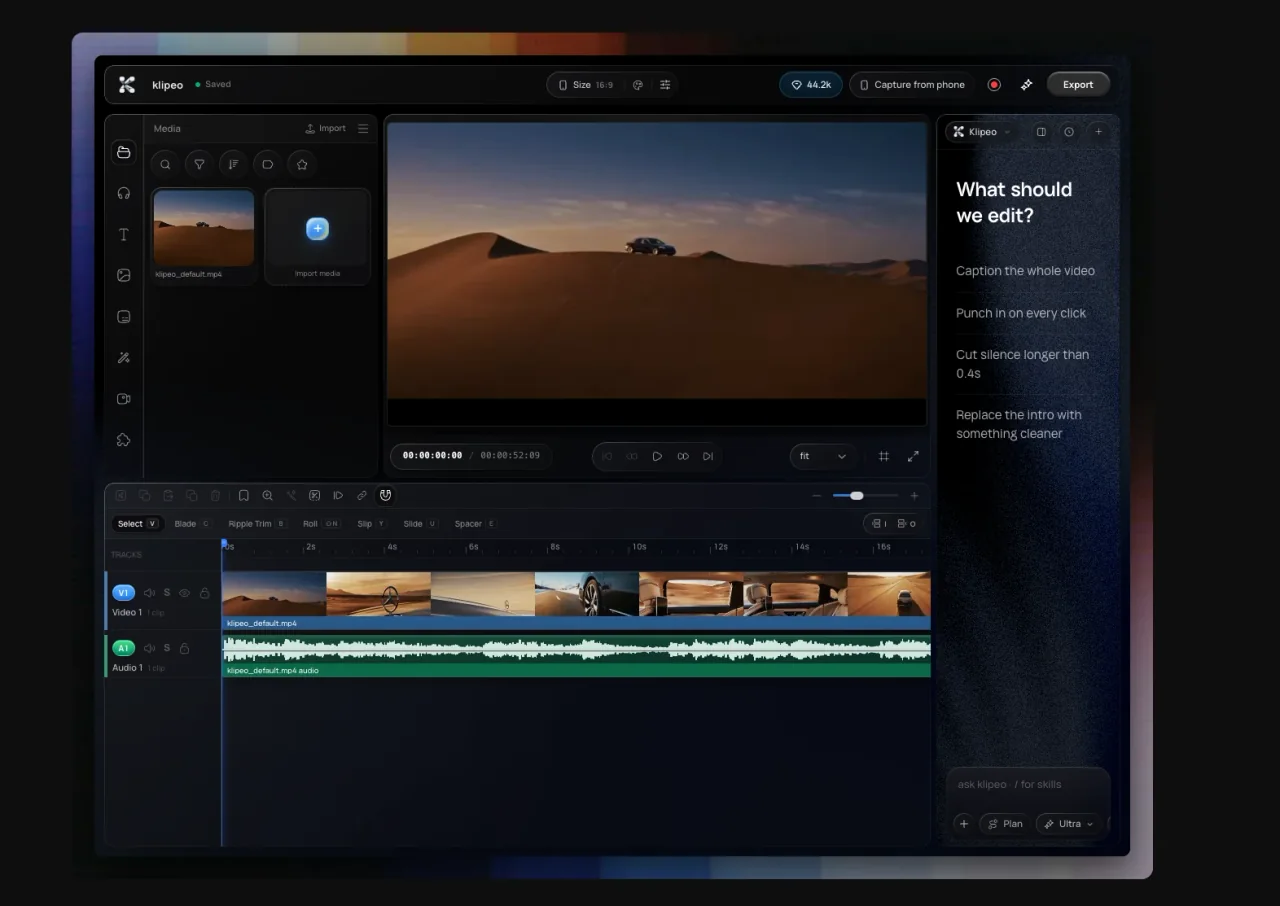
What is an agentic video editor?
An agentic video editor turns a creative goal into a sequence of editing actions. It can inspect the current project, plan which tools to use, make changes, check progress, and ask for input. Unlike a text assistant that only gives advice, it works directly on the editable timeline.
How is agentic editing different from generative AI video?
Generative video models create new footage from a prompt. Agentic editing works across an editing workflow: organizing existing media, cutting it, adding captions or b-roll, improving audio, reframing, and preparing exports. Klipeo can use generated assets inside that workflow, but generation is only one tool available to the agent.
Does Klipeo replace the timeline?
No. Vibe and the manual editor share one composition. Agent-made cuts are ordinary, editable timeline changes, so you can drag an edge, restyle a caption, revise the prompt, or undo the result with Cmd/Ctrl+Z.
What can I ask Klipeo to edit?
Common requests include removing dead air, captioning a full video, cleaning podcast audio, adding zooms at emphasis points, suggesting b-roll, creating a vertical cut, grading footage, and exporting multiple social formats. Concrete directions usually produce the best result.
Can I use my preferred AI model?
Klipeo can run Vibe in the cloud, and its desktop workflow can connect to supported coding CLIs such as Claude Code, Codex, Gemini CLI, and OpenCode. Model availability and cost depend on the engine you choose.
Does Klipeo work on Mac?
Yes. Klipeo is available in the browser and as a macOS app. The Mac app adds a native window, screen recording, local downloads, and a session that stays signed in.