
Connecting your own CLI now checks that the bridge can reach Klipeo and that your selected agent is available. Connection changes appear as they happen.
Know what needs attention
Choose Check connection in the connection card to request browser access. If the bridge loses its connection, needs you to sign in again, or cannot use your selected CLI, the card explains what to do next. It keeps the connection buttons visible in a narrow window too.
The bridge now opens its local connection while it checks installed CLIs. After installing or updating a CLI, choose Check connection to refresh it without waiting for the periodic check.
Turns finish after your CLI closes
Local turns no longer stay open when your CLI finishes while its output is being delivered. A stalled server response also times out, so the bridge can retry instead of waiting indefinitely.
Use the Mac app
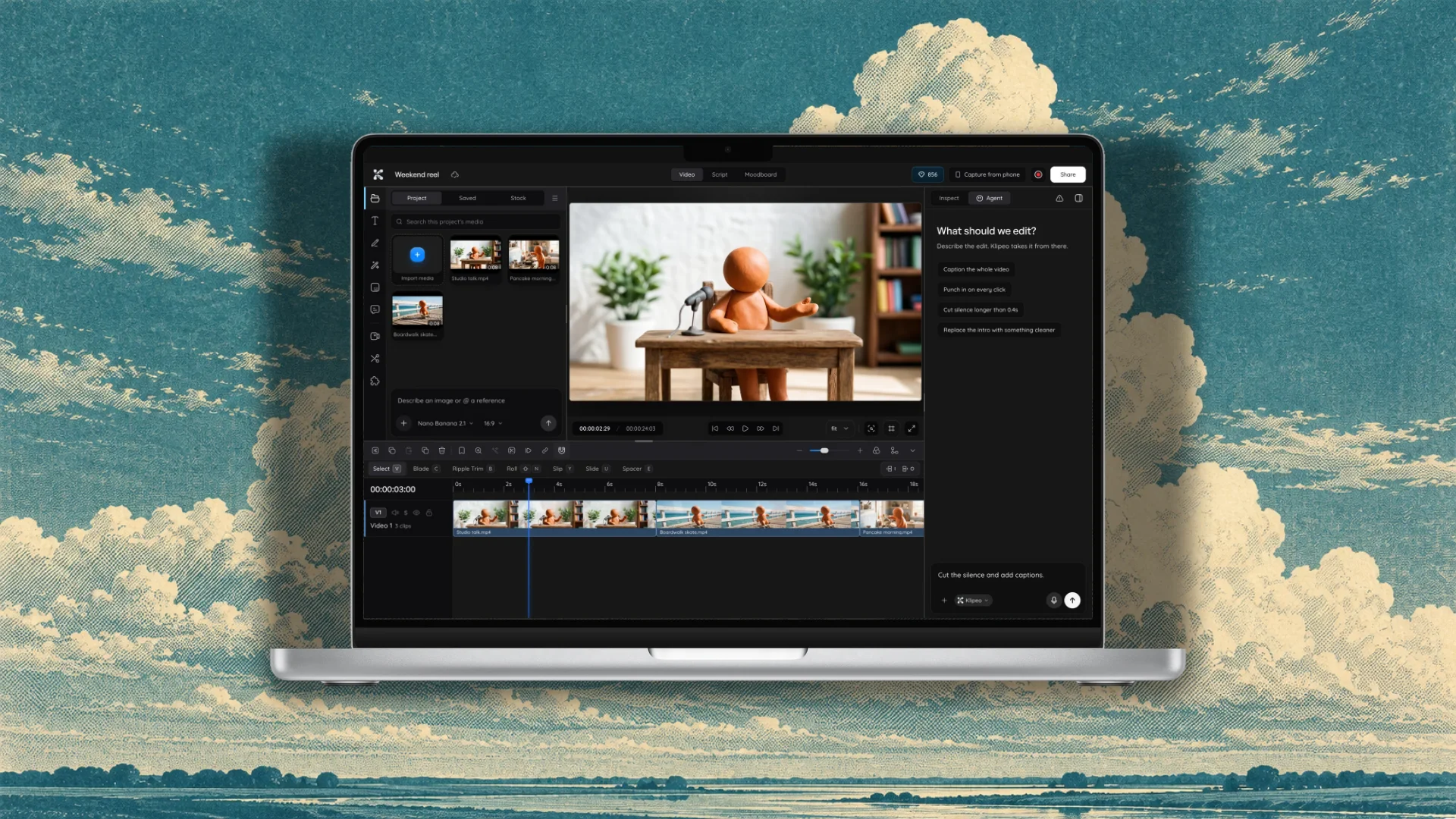
The connection card now includes Download for Mac, with a preview of the Klipeo editor open on a MacBook. The desktop app runs your installed local agents without keeping a separate bridge terminal open.