
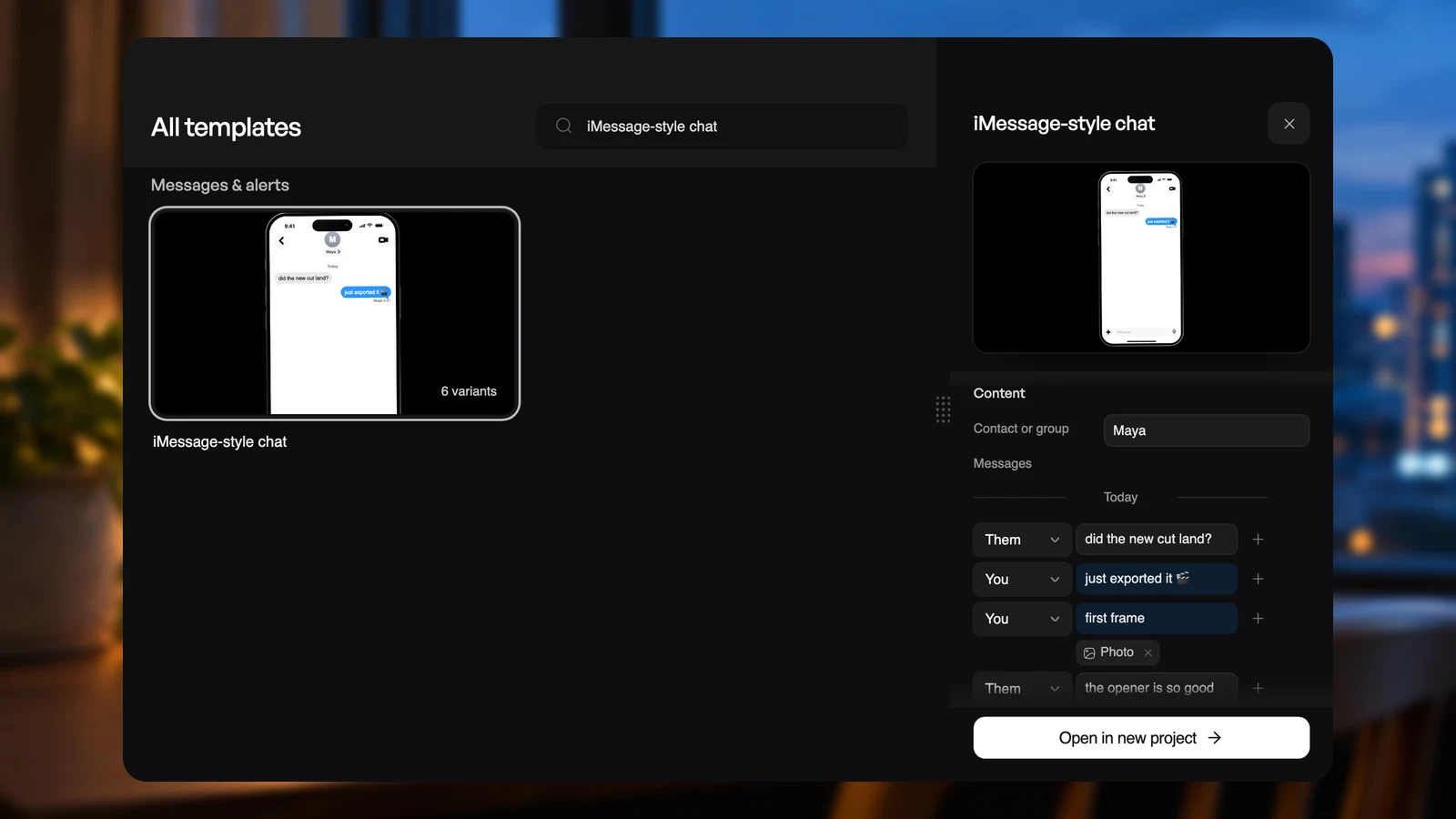
The template panel now works like a design tool's property panel. The preview stays in view while you edit, the colors are yours to pick, and each style shows as a picture. The Mac app has the same sections, styles, colors, and chat editor.
Pick a style by how it looks
Open a template and Style shows each variant as a small picture. Pick one to restyle the template; anything you typed or uploaded stays. Change a setting a style controls and Custom shows that you have moved away from it.
Any color, not just the variants
Colors lists the template's color settings. Click a swatch for the picker or type any hex code. Where a color follows the template's theme, look, or palette, it shows Auto with a dashed swatch until you choose one. Press the x in its field, or clear the field, to hand it back to the template.
Title sweep, Word wheel, Hero launch, Search typing, LCD type, Phrase swarm, Depth swap, Film title card, Keyboard shortcut, Light leak, and Dot dissolve can now be recolored too.
Text that fits what you write
Longer text, such as an answer that keeps its line breaks, grows with your words up to about eight lines and then scrolls. There is no corner to drag. Lists made of titled items, such as plan cards or agent steps, give each item a title and its text. Text fields show their guidance under them.
Lists and chats you edit by row
Lists show named columns. Press Enter to add the next row, Backspace on an empty row to remove it, or paste several lines to add them all at once.
A chat template's messages edit as the conversation they become. Pick who sends each message, add a photo, a voice note, a reply, or a reaction from the + beside it, and rename a person once to rename them everywhere. One message can hold several of these. No more typing me: or [photo].
Start over without losing your work
Reset beside the template's name returns every setting to where it started. Changed your mind? Undo reset brings your edits back until your next change.
A shorter panel
The description and the prompt box are gone from the panel. To ask Vibe for a change, choose Open in new project and use the agent beside the editor.