

YouTube thumbnail generator
Type your title, get a thumbnail. Two free, no signup.
How it works
Type your title
Step 1The video title, as you'd post it.
Pick a look
Step 2Face, before and after, product, or text.
Download or edit
Step 3A 1280x720 PNG, ready for YouTube.
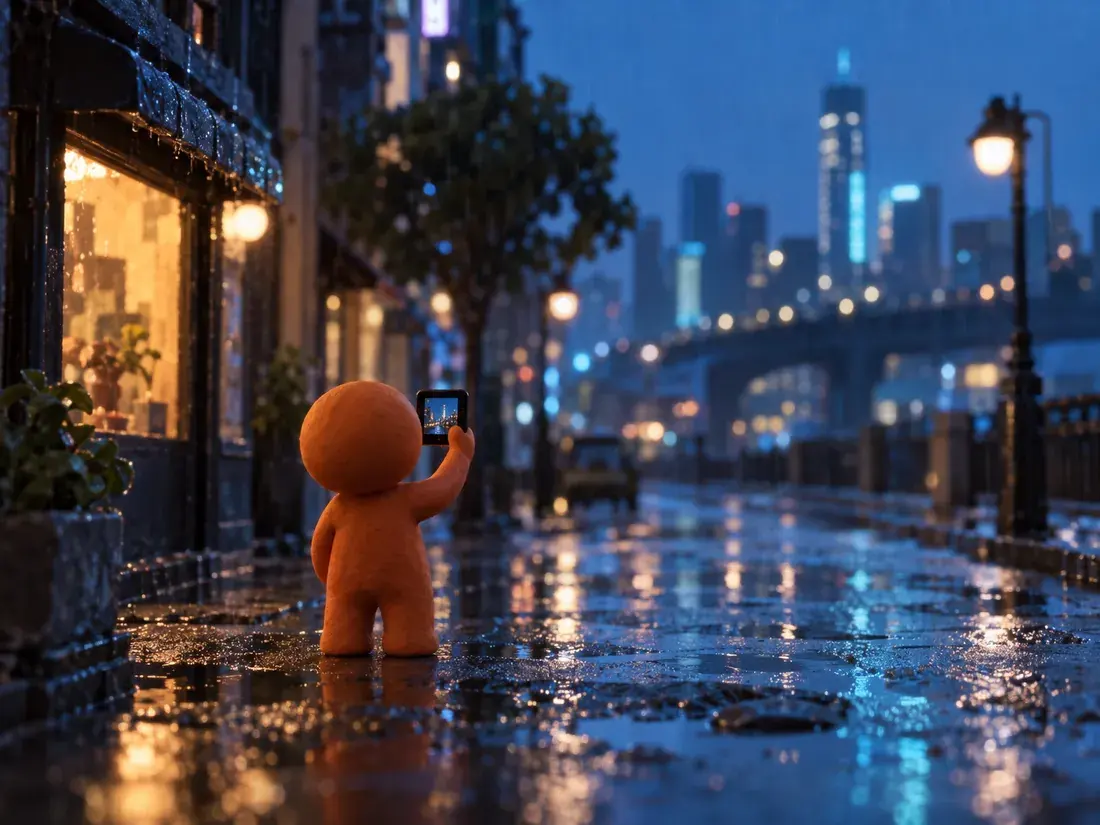
One big subject, two to five bold words, strong contrast, and a clear emotion. It has to read at phone size.
Your first two thumbnails are. Then sign in to keep going.
1280 by 720 pixels, 16:9, YouTube's own size.
In the Klipeo editor, yes. The thumbnail maker there uses your photo and brand colors.
Yes, on monetized channels and client videos.
